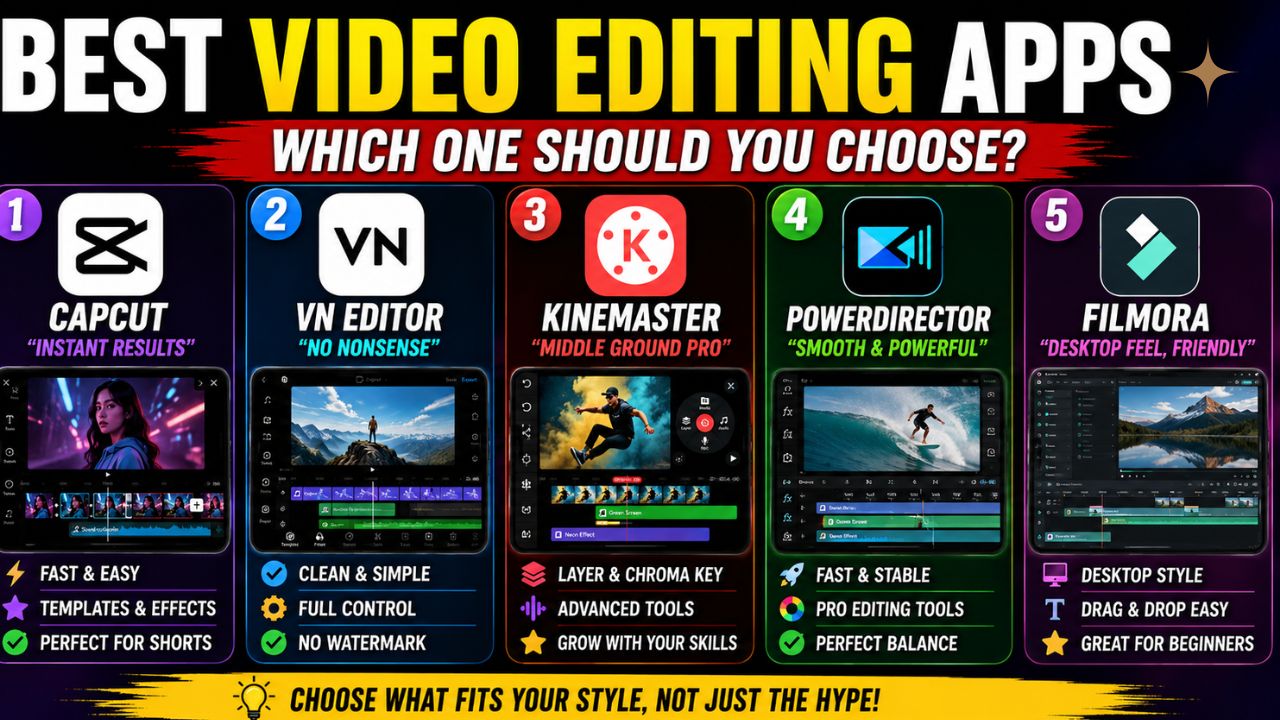
Best Video Editing Apps For beginners in 2026
Best Video Editing Apps For beginners– If you are a beginner and looking for the best apps for video editing, then in this informative blog I will tell you the best video editing platforms.
If you intend on creating videos for video sharing sites, social media pages, or any marketing campaign and educational purposes, it is important to start your process by opting for the best video editing software for beginners. The idea of searching for the best video editing software for beginners when you have never made a video before might seem daunting.
This article explores some user-friendly video editing software. Should you be in a rush, the best video editing software for beginners is PowerDirector. In terms of creating quality videos effortlessly, there is no other editing software out there that can match. Try it out!
Most beginners don’t quit video editing because it’s “too hard.” They quit because every tutorial sounds like it was made for someone building a Hollywood trailer in their bedroom. That gets old fast.
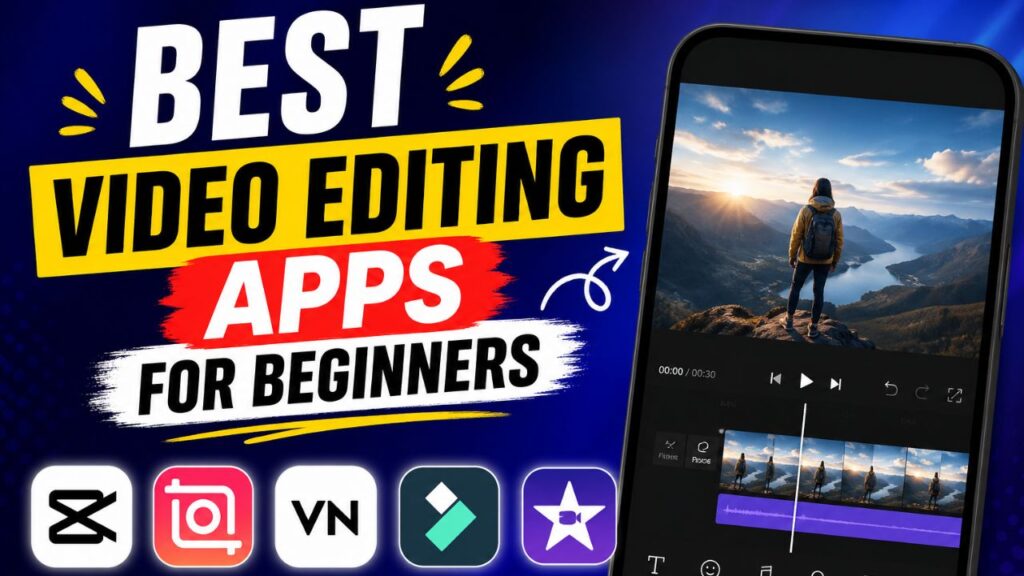
5 Best Video Editing Apps For beginners
1. CapCut — The “Instant Results” App
CapCut is the app people download when they want results fast. No learning curve drama, no confusing setup. You open it, drop clips in, and you’re already halfway to a decent-looking video.
What makes it stand out is how much it does automatically. Auto captions, templates, trending effects—everything feels built for short-form content. If you’re making reels, TikToks, or YouTube Shorts, it almost feels like cheating.
But here’s the catch: it pushes you toward templates and trends. That’s great for speed, not always great for originality.
Still, for absolute beginners, it’s the easiest entry point into editing without overthinking.
2. VN Video Editor — The Clean “No Nonsense” Choice
VN Video Editor is for people who want control without getting overwhelmed.
Unlike template-heavy apps, VN gives you a clean timeline. You build everything yourself—cuts, transitions, audio layers—but it doesn’t feel heavy or messy.
It’s the kind of app that quietly teaches you real editing skills. No watermarks, no unnecessary clutter, just a solid workspace.
The downside? You won’t get much help from AI or ready-made effects. You’re the engine here.
So VN works best for beginners who already feel a bit curious about learning proper editing instead of just quick posting.
3. Kine Master — The “Middle Ground Pro”
KineMaster sits in that interesting space between beginner-friendly and semi-professional.
It gives you layers, chroma key (green screen), animations, and precise audio control. That sounds advanced, but the interface is surprisingly manageable once you spend a little time with it.
This is the app people often “grow into.” You start simple, then slowly unlock its deeper tools without switching apps every few months.
The downside is that it can feel a bit heavy on older phones, and the free version isn’t always clean (watermarks can be annoying).
But if you want to slowly level up your editing skills, KineMaster is a strong companion.
Purchase the upgraded version of KineMaster that was launched in 2026 for only $4.99 per month and enjoy more advanced editing tools, premium assets, watermarks removed from videos, and more
4. Power Director — Smooth, Fast, and Surprisingly Powerful
PowerDirector is the one that quietly surprises people. At first glance, it looks like just another editing app. But once you start using it, the speed and stability stand out immediately.
Even bigger projects don’t feel like they’re dragging the phone down. Cutting clips, adding transitions, adjusting audio—it all feels responsive.
It also brings in proper editing tools like motion tracking, slow motion, color adjustments, and green screen support, without making the interface feel intimidating.
This is where it wins: balance.
It doesn’t dumb things down too much, and it doesn’t overwhelm you either. You can stay a beginner for a while, but still produce content that looks like it was edited on a more advanced setup.
PowerDirector happens to be one of the best video editing applications in 2026. Videos can be edited at no cost; however, there are additional effects offered by its premium version.
Best Video Editing Apps For beginners
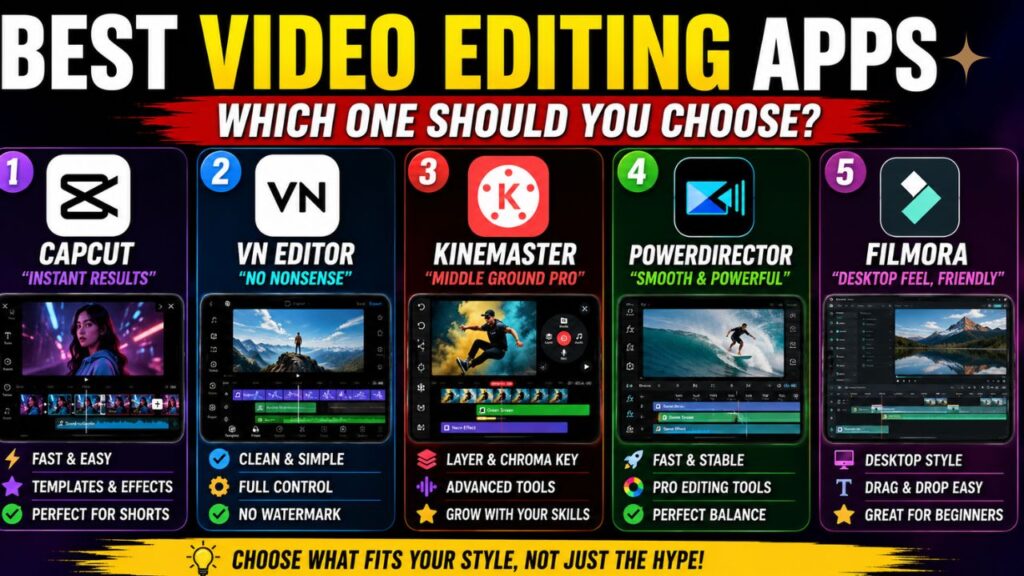
5. Filmora — The Friendly Desktop-Style Editor
Filmora is often the first “proper” editing software people try when they move from mobile apps to PC or laptop editing.
It’s built for beginners, but it doesn’t feel childish. The interface is closer to professional tools, just simplified.
Drag-and-drop editing, transitions, filters, text animations—it’s all there. The biggest advantage is that you don’t feel lost, even when the project gets bigger.
Where it falls slightly short is depth. As you grow more serious about editing, you might eventually feel like you’ve outgrown it.
But as a starting point on desktop, it’s very forgiving.
I use Filmora for video editing. Video editing is quite simple in this. It is professional Video Editing app.
So Which One Actually Makes Sense?
There’s no single “best” app. It depends on how you think:
If you want fast content with almost zero effort, CapCut is your friend.
If you want to learn real editing skills slowly, VN is a smart pick.
If you want a balanced pro-style experience, PowerDirector is hard to ignore.
If you want advanced features but still mobile-friendly control, KineMaster fits well.
And if you’re moving to laptop editing without feeling lost, Filmora is a safe landing spot.
The Final Word
Most beginners don’t need the most powerful editor. They need the one that doesn’t make them quit halfway.
The truth is, every app here can make good videos. The real difference is how comfortable you feel while using it.
Because at the end of the day, editing isn’t about the software—it’s about whether you actually finish what you start.
However, the choice of the best application for video editing will depend on several factors such as your style of editing, your equipment, and what you wish to achieve from editing.
If you are a beginner, then the best thing to do is learn one editing application instead of constantly changing applications.